Home · Services · Our services · Adding karaoke
Adding karaoke
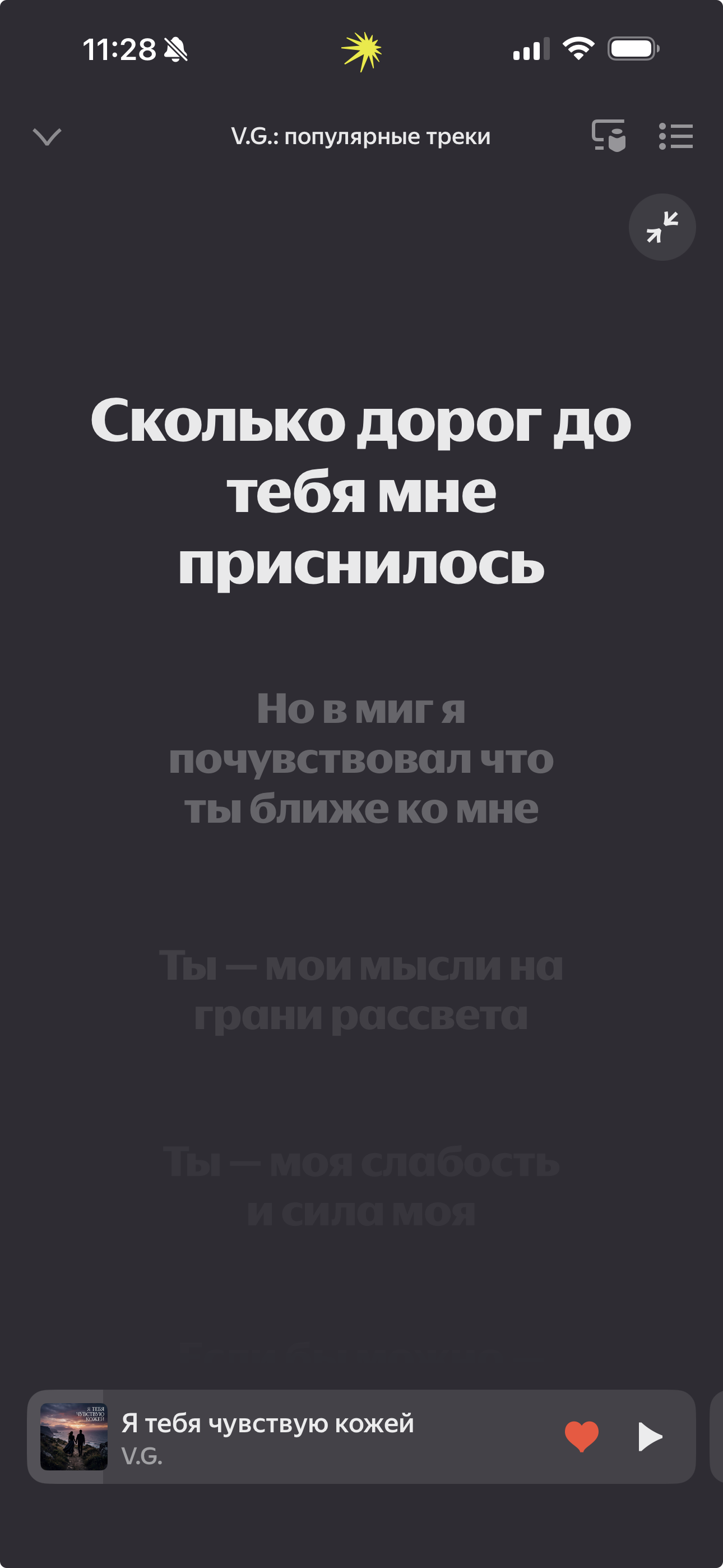
If your songs were uploaded through us, we can add karaoke text (i.e. scrolling lines) to them, in addition to regular lyrics, on the platforms: VK, Yandex Music, Zvuk, Spotify, Apple Music.
This is free, to do this you need to:
1) To add karaoke text, regular lyrics must also be added. How to add regular lyrics is described in the "Adding lyrics" section;
2) Having the regular lyrics on hand, go to the website vauvision.com/karaoke to create karaoke;
3) Create karaoke following the instructions on the site, it takes no more than 3 minutes;
4) When filling out the distribution form, attach the lyrics of your song (or songs) and karaoke files in the corresponding sections of the form. Lyrics and karaoke can also be added after the release goes live on platforms;
5) Karaoke will be available on the release date, or within 3-4 business days if the release is already on the platforms;
For any questions, you can write to our support:
to the VK group or to TG