Home · Services · Our services · Adding lyrics
Adding lyrics
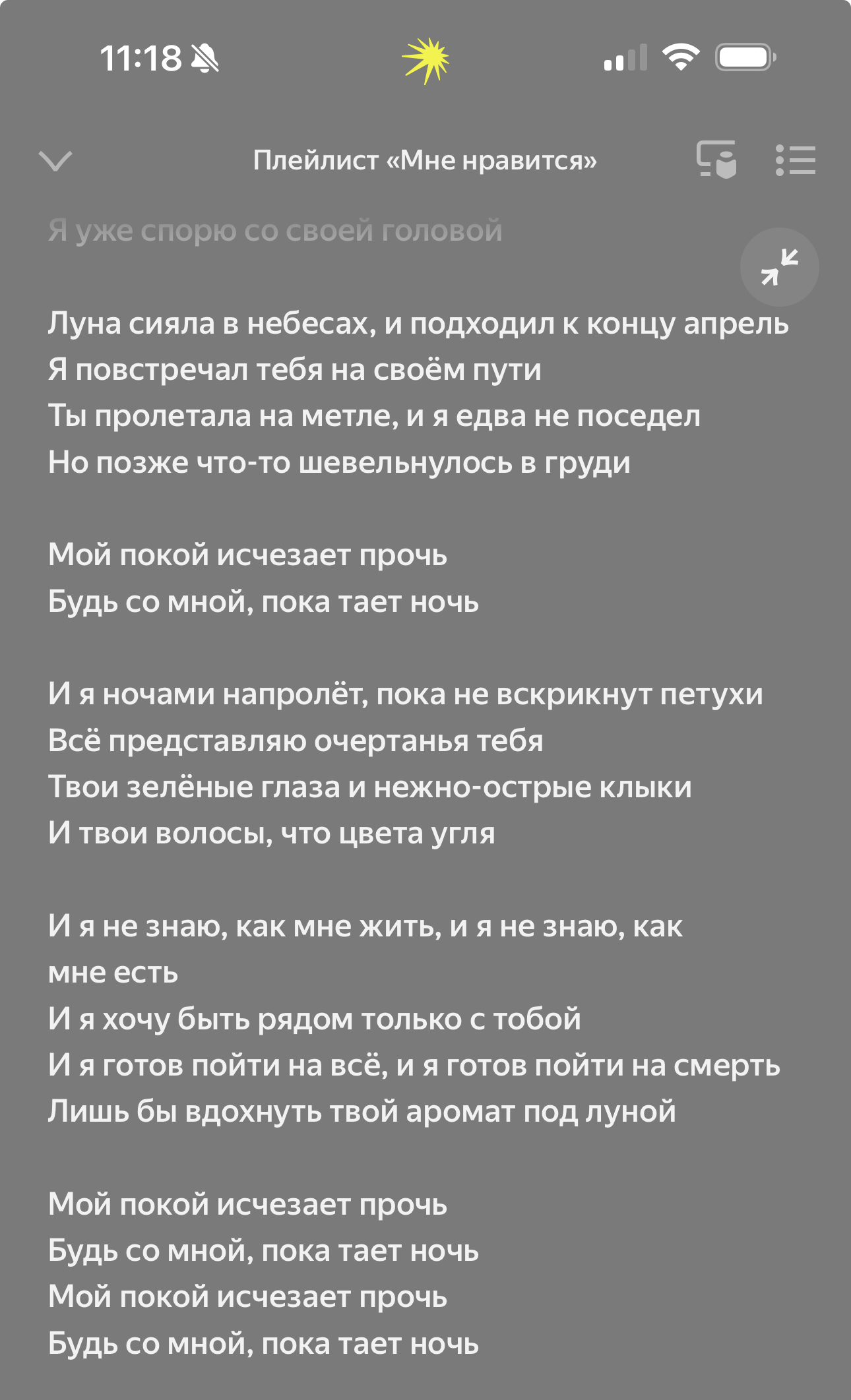
If your songs were uploaded through us, we can add lyrics to them (both regular text and karaoke, i.e. scrolling lines) on the platforms: VK, Yandex Music, Zvuk, Spotify, Apple Music.
This is free, to do this you need to:
1) When filling out the distribution form, attach the lyrics of your song (or songs). Lyrics can also be added after the release goes live on platforms;
It is important to follow the lyrics formatting rules:
– All lyrics must be in a single .docx file
– There should be no punctuation marks at the end of lines, except for "!" and "?", no space before these marks
– Verses and choruses should be separated by a single blank line. There is no need to label phrases "VERSE", "CHORUS", "BRIDGE" and similar
– The lyrics must include all the lines that are performed
– Each line must start with a capital letter
– All words must be written in full, without abbreviations and without asterisks
– There must be a space after commas. The following is not allowed: "text,text", it should be: "text, text"
– Label the track titles in the order they should appear in the release
2) Your lyrics will be available on the release date, or within 3-4 business days if the release is already on the platforms;
For any questions, you can write to our support:
to the VK group or to TG